Find duplicates. Even after renaming.
Comic Duplicate Scanner opens your comic archives and compares the actual images inside — not just filenames or file sizes. Even if one file is called comic_E1-5 and another ComiX_E1-10, if the first few pages match, it flags them as duplicates.


App UI: English · Spanish · French · Dutch · Portuguese · Russian · Simplified Chinese · Japanese · Korean · Indonesian · Malay
Opens archives and compares pages inside
Most duplicate finders only compare file names or sizes. Comic Duplicate Scanner opens each CBZ, CBR, ZIP, or RAR file, extracts thumbnails from the actual pages, and compares them. A file named comic_E1-5 and another named ComiX_E1-10 — different name, different episode range — are still caught if their opening pages match.
- Opens archives and compares page images — not just filenames
- Configurable similarity threshold — 90% recommended
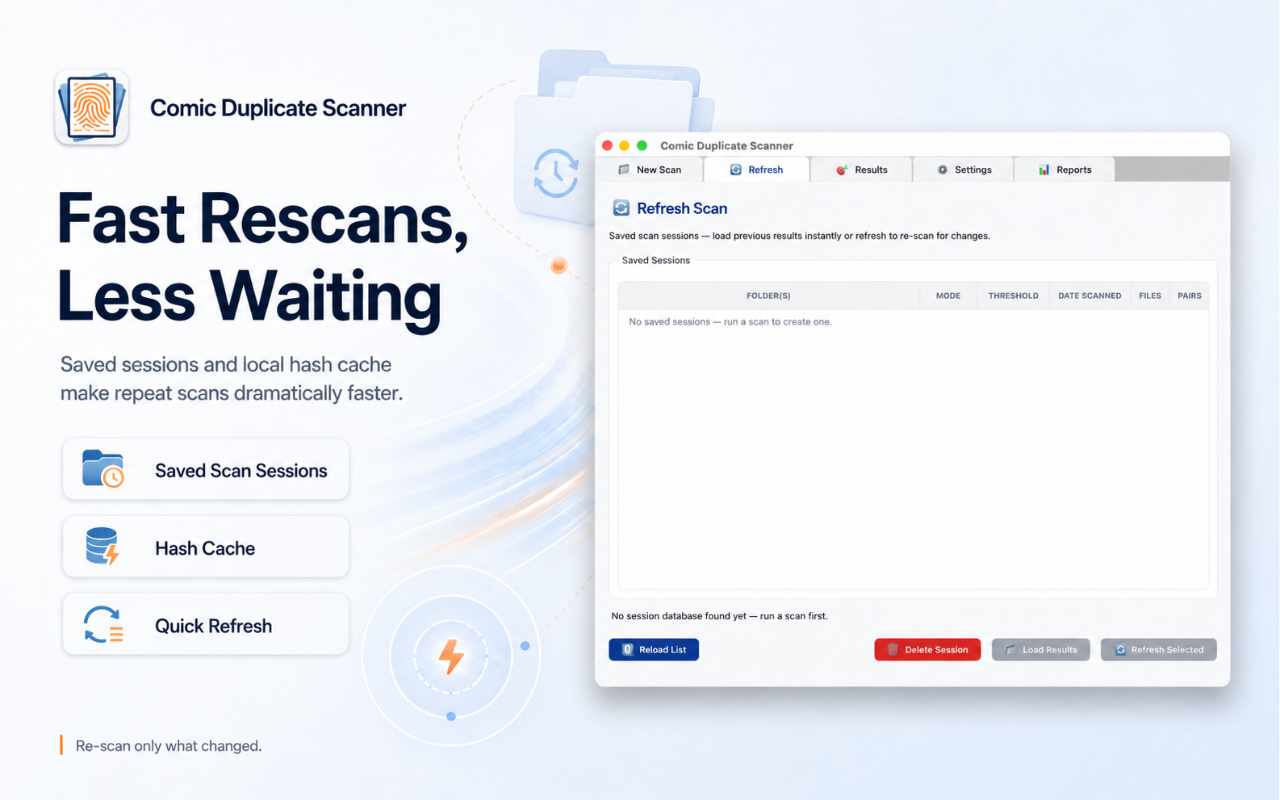
- Hash cache makes repeat scans near-instant
- Matches across resolutions and color modes — a 1200px grayscale scan and a 3000px color scan of the same page are still flagged
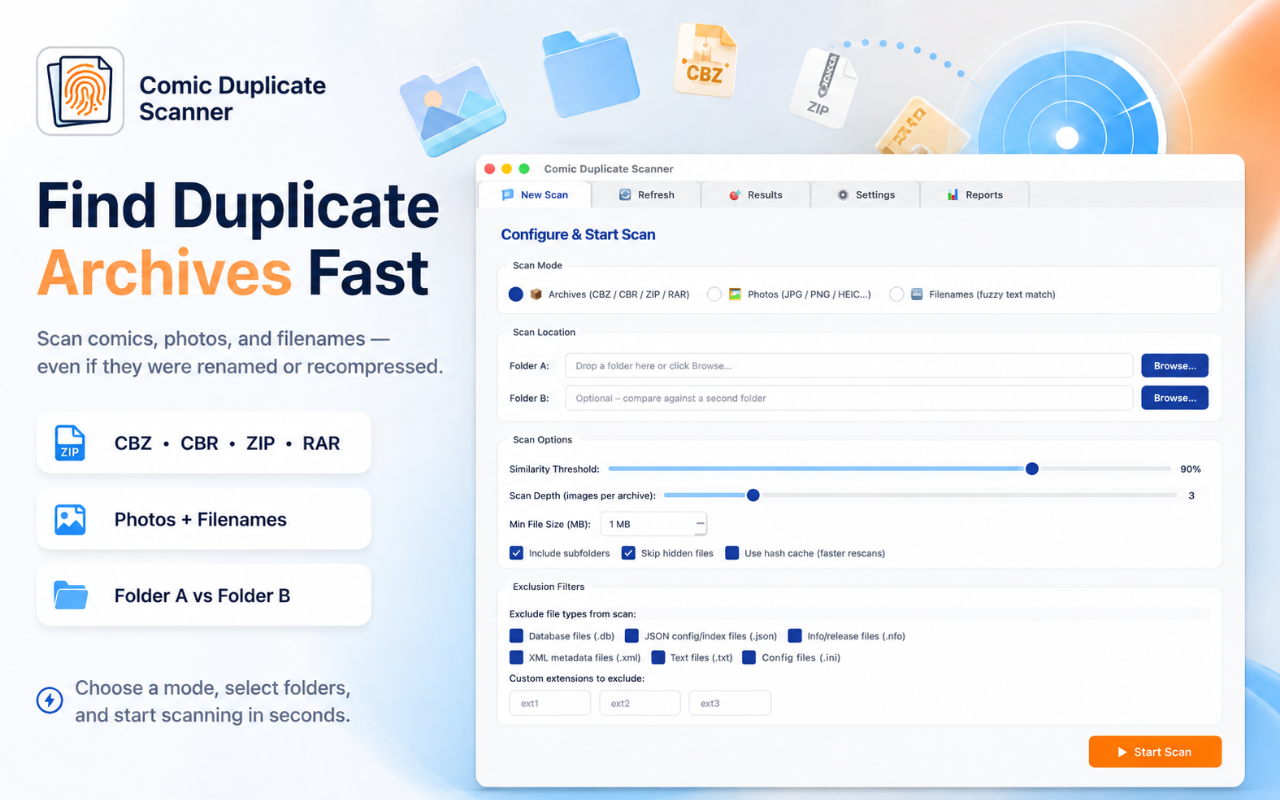
Photos and fuzzy filenames — both covered
Beyond archives, detect duplicate JPG, PNG, HEIC, WEBP, BMP, and GIF photos using the dHash algorithm. Filename Fuzzy Matching catches copies that differ only in formatting — "Spider-Man #001" vs "Spider Man 001" — using RapidFuzz with a configurable threshold.
- Photo formats: JPG, PNG, HEIC, WEBP, BMP, GIF
- RapidFuzz algorithm with configurable symbol-stripping
- Unicode-aware — works with Japanese, Korean, Chinese and any character set
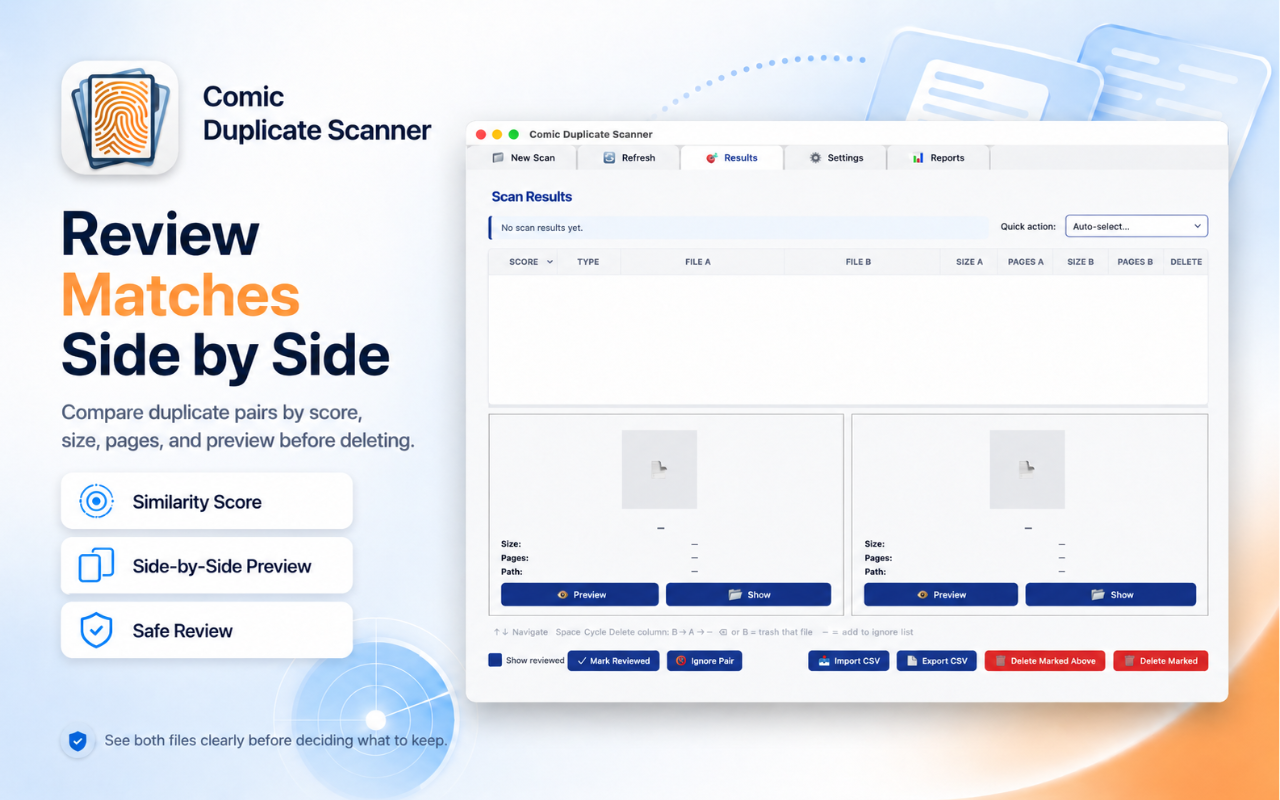
One click marks the right file to keep
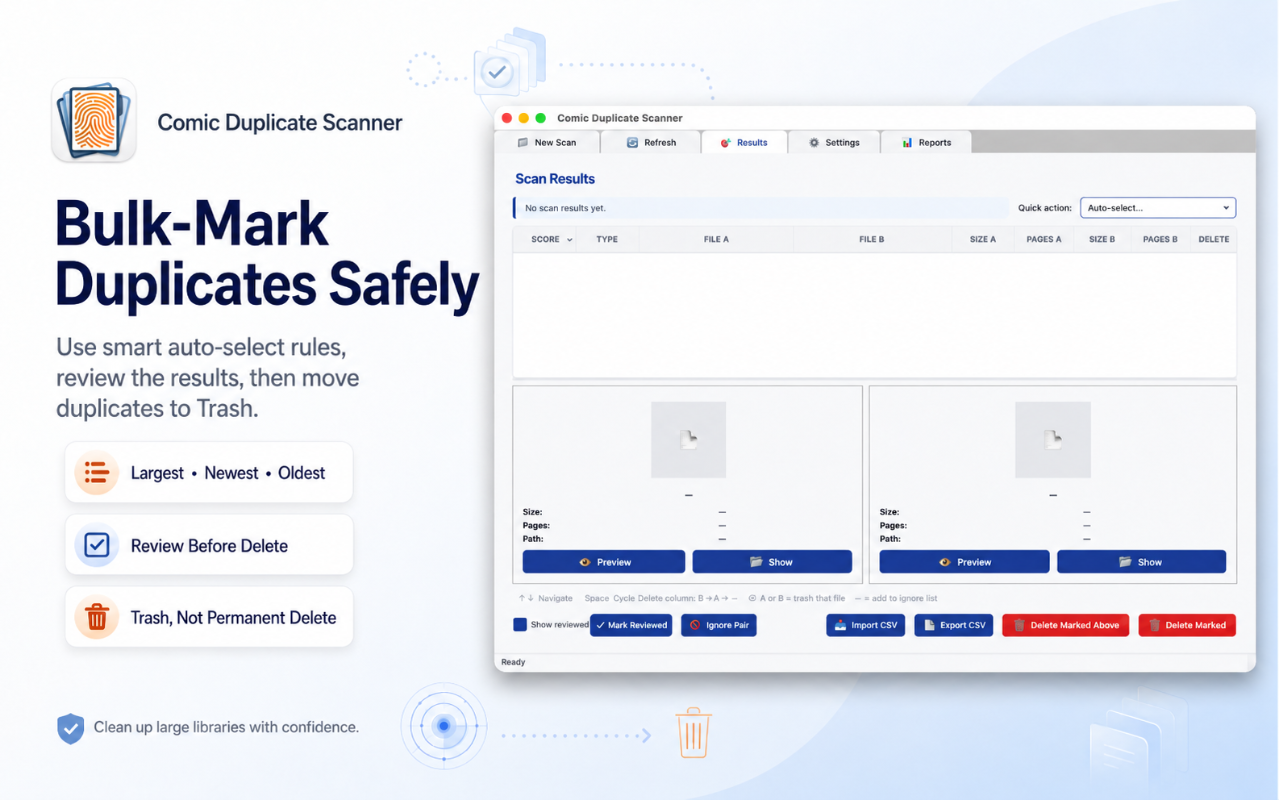
Set a rule — keep the Largest, Smallest, Newest, Oldest, or file with the Most Pages — and Auto-Select marks every duplicate in one click. Review the results before anything is touched. Nothing moves until you confirm.
- Five rules: Largest, Smallest, Newest, Oldest, Most Pages
- Last-copy safety warning prevents accidental total deletion
- Permanent ignore list for intentional variant pairs
Export results, compare across folders
Export your scan as a CSV for spreadsheets or as a full HTML report with thumbnails, similarity scores, and sortable columns. Multi-Folder mode compares two separate folders — useful for finding duplicates between your organised library and a Downloads folder.
- HTML report with embedded thumbnails and statistics
- CSV export for spreadsheets and archiving
- Multi-folder comparison: Folder A vs Folder B
Free forever. Unlock Pro when you need it.
7-day free trial available on Mac App Store
Frequently Asked Questions
What is perceptual hashing and why does it matter?
Perceptual hashing compares the visual structure of images rather than raw file bytes. Two files can have different names, sizes, and metadata — but if their content looks the same, perceptual hashing matches them. Standard duplicate finders fail the moment a file is renamed or re-exported; Comic Duplicate Scanner does not.
Can it find duplicates that have been renamed?
Yes. Renaming a file changes nothing about its content. Comic Duplicate Scanner compares the images inside each archive, so a duplicate is detected regardless of what the file is called.
Is deletion permanent?
No. Marked files are moved to the system Trash (macOS) or Recycle Bin (Windows), not permanently deleted. You can recover any file before emptying the Trash.
Which file formats are supported?
Comic archives: CBZ, CBR, ZIP, RAR. Photos: JPG, PNG, HEIC, WEBP, BMP, GIF. Filename fuzzy matching works with any file type.
Does it work with photos, not just comics?
Yes. Select Photos mode to scan JPG, PNG, HEIC, WEBP, BMP, and GIF files. It works with iPhone photo library exports, scanned documents, and digital art collections.
Is there a trial before I buy?
You can scan up to 1,000 files for free, forever. A 7-day free trial on Mac App Store unlocks unlimited access, and the one-time Pro purchase is $19.99 with no subscription.
Can it match a color scan with a black-and-white version of the same content?
Yes. The dHash algorithm works on luminance gradients, not color values. A full-color scan and a grayscale version of the same page produce nearly identical hashes and will be flagged as duplicates.
Does image resolution affect duplicate detection?
No. dHash resizes every image to a small fixed grid before comparing, so a 1200px and a 3000px scan of the same page hash to the same value. Resolution differences between sources are completely ignored.
Looking for a comic and ebook reader?
← Back to BiblioFuse ReaderComic Duplicate Scanner